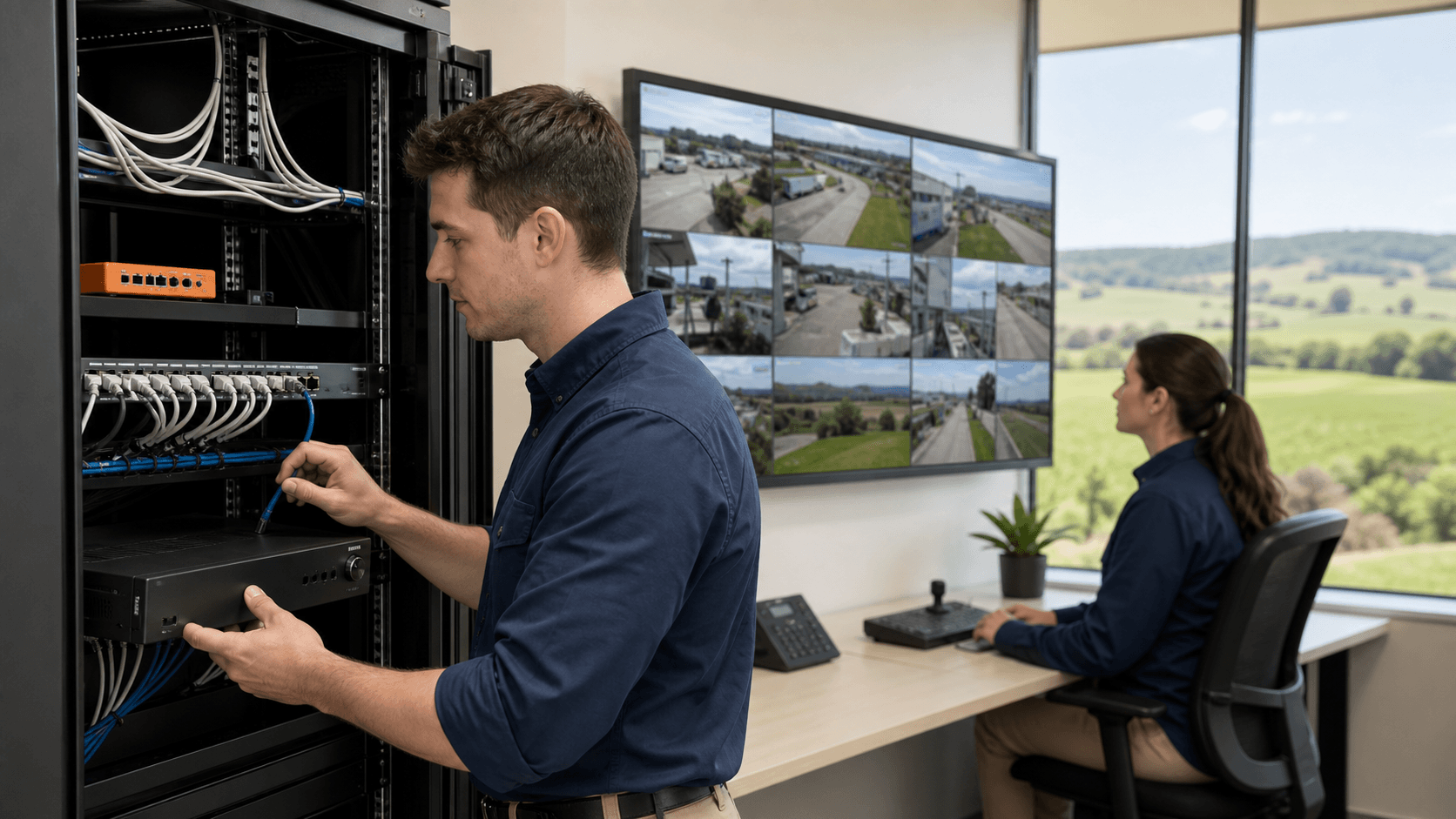
Locking Down CCTV Before Peak Holiday Crime Season
Business CCTV systems in Gippsland now sit at the centre of how many local shops, offices and warehouses manage their security. Cameras help with deterrence, staff safety, incident review and insurance claims. As the busy pre-Christmas and summer trading period approaches, those systems work harder and are watched more often, both on-site and from phones.
When cameras, NVRs and apps are connected to the internet, they also become part of your wider IT network. If they are not set up safely, they can offer an easy entry point for cyber attacks. Weak passwords, old firmware and open ports on the router can turn a security tool into a risk.
As a locally owned, fully licensed security and IT provider working across East Gippsland and the Latrobe Valley, we see both the physical and cyber sides of CCTV every day. In this article we share practical steps to harden NVRs, design safer networks, secure remote access and protect cloud backups so your cameras work for you, not against you, through the holiday rush and all year round.
How CCTV Becomes a Backdoor Into Your Network
In many small and medium businesses, everything is plugged into the same flat network. Cameras, NVRs, EFTPOS terminals, office PCs, printers and sometimes even guest Wi-Fi all sit together. It feels simple, but it means that if one device is compromised, it is much easier for malicious software to spread across the whole network.
Common weak points we see on business CCTV systems in Gippsland include:
- Default usernames and passwords still in place
- Remote access ports opened directly from the internet to the NVR
- Firmware that has not been updated since installation
- P2P cloud services enabled with no extra security checks
Once a CCTV device is reachable from the internet, bots and scripts can try combinations of passwords over and over. If they get in, an attacker might lock you out of your NVR right before a long weekend, change settings so key cameras do not record, or quietly watch staff and stock movements.
The bigger risk is what happens next. From that foothold, an attacker might try to reach file servers, accounting systems or point of sale devices that share the same network. Customer information, business documents and even EFTPOS traffic can be put at risk.
There is also a compliance angle. If a break-in occurs and the CCTV footage is missing, corrupted or clearly altered, it can cause problems with investigations and insurance claims. Cyber hardening is now part of responsible CCTV deployment, just like good camera placement and reliable recording.
Hardening NVRs and Network Design for Local Businesses
The NVR is the heart of most business CCTV systems in Gippsland, so it deserves extra attention. A few key setup steps can dramatically lift security:
- Change all default usernames and passwords as soon as the system is installed
- Use long, unique passphrases and a secure way of storing them
- Enable multi-factor authentication on accounts where the feature is available
- Set a schedule to check and apply firmware updates from trusted sources
- Turn off unused services, ports and features that you do not actually need
Network design matters just as much. Instead of one big flat network, aim for simple separation between CCTV and office devices. This can be done with VLANs or separate subnets on the router. The goal is to let the NVR do its job without giving it direct access to everything else.
Good practice on the router or firewall includes:
- Blocking inbound internet access to CCTV devices unless there is a clear, secure need
- Limiting outbound traffic so cameras only talk to known, trusted services
- Turning off risky shortcuts like unsecured remote management from the internet
Physical and environmental protections are also important, especially with local power and weather conditions. An NVR should sit in a locked comms cabinet or secure room, not on a public bench. A UPS can help ride through short outages and brownouts that are common in regional areas, and lets the system shut down cleanly if power is lost for longer.
A structured audit by security and IT specialists can map out how your current CCTV is wired, which devices talk to what, and where the weak spots sit. From there, a hardened and clearly documented setup can be designed that fits the site layout, existing gear and local conditions.
Securing Remote Access Without Opening the Floodgates
Most business owners and managers want to see their cameras when they are off-site, especially during busy trading periods and public holidays. The question is how to do that without swinging the network door wide open.
Common viewing options include:
- Basic port forwarding from the internet straight to the NVR
- Vendor P2P services that connect phone apps to cameras through the cloud
- Secure VPN connections into the business network
- Trusted cloud relay services that sit between your NVR and your devices
Simple port forwarding and generic P2P services are often the least safe choices, as they tend to rely on weak passwords and exposed services. A VPN or carefully configured relay service, on the other hand, keeps the NVR hidden and uses encryption to protect traffic.
A practical remote access checklist looks like this:
- Turn off universal plug-and-play on the router so it cannot auto-open ports
- Avoid direct exposure of the NVR to the internet wherever possible
- Use strong, unique usernames and passwords on all accounts and apps
- Enable access logging so you can see which device logged in and when
- Review logs before and after holidays or unusual events to spot odd activity
User management is often overlooked. Not every staff member needs access to every camera. Aim for:
- Role-based permissions so people only see what they need for their job
- Time-based access for contractors or seasonal workers
- Quick removal of access when staff leave or roles change
This keeps convenience high, for example checking cameras from your phone while on holidays, without giving away more access than needed.
Protecting Cloud Storage and Footage Integrity
Many businesses now back up key CCTV footage to the cloud. This helps protect evidence if gear is stolen, a fire destroys the building, or a flood or storm damages the NVR. For regional sites, where emergency response can take longer and summer weather can be harsh, off-site copies are an important safety net.
To keep that cloud storage safer, focus on:
- Using reputable cloud platforms suited to security video
- Enforcing multi-factor authentication on all cloud accounts
- Applying strict access controls so only trusted users can view or download clips
- Making sure data is encrypted during upload and while stored
Backing up is only half the story. Restoring matters too. Regular testing of restore procedures helps confirm that the footage you think you are saving can actually be pulled back when needed, and that it plays correctly.
Retention and bandwidth planning are also key. Think about:
- How long you need to keep footage to line up with workplace, legal or insurance needs
- Which cameras must be backed up all the time and which are lower priority
- How constant uploads will affect your NBN or Starlink link, especially on shared rural connections
A mixed setup often works well, with main recording on the NVR and smart cloud backups for priority cameras or event-based clips. Systems can also be monitored remotely so issues are spotted early, before an incident leaves you with gaps in your recordings.
Take Action Now to Secure Your CCTV Before Summer
When you pull this together, you get a simple picture. Hardened NVRs, a segmented network, safer remote access and well-planned cloud backup work as one system. They help protect not only your cameras and footage, but also the broader IT systems that keep your business running.
As the warmer months approach, it makes sense to give business CCTV systems in Gippsland a pre-summer tune-up. This is a good time to align cyber measures with any physical upgrades, such as new cameras, alarms or Starlink links at remote depots and farms, so everything is checked and ready before the busy season.
A structured review of your CCTV, networking and IT support setup by local specialists can uncover hidden risks and give you a clear, practical path to fix them. With the right changes in place, you can focus on trading and staff, confident that your cameras are watching your site, not quietly opening the door to unwanted visitors.
Get Started With Your Project Today
If you are ready to improve security and visibility across your site, we can help you plan and install tailored business CCTV systems in Gippsland. At EastTech Solutions, we work with you to understand your operations, risks and budget so your system actually supports how you work. Tell us what you are looking to achieve and we will recommend a practical way forward, from initial design through to installation and support. To book a consultation or request a quote, simply contact us today.