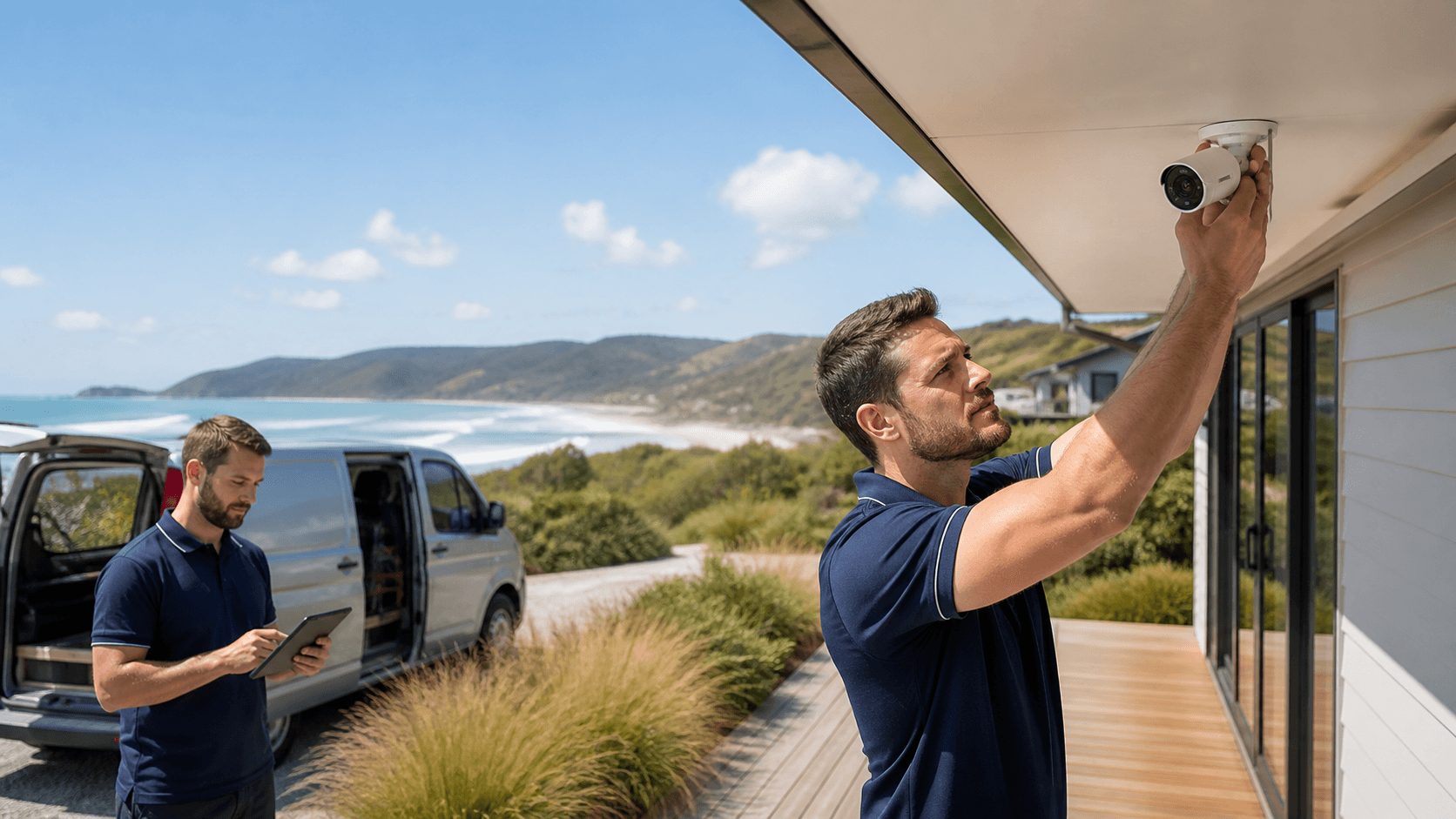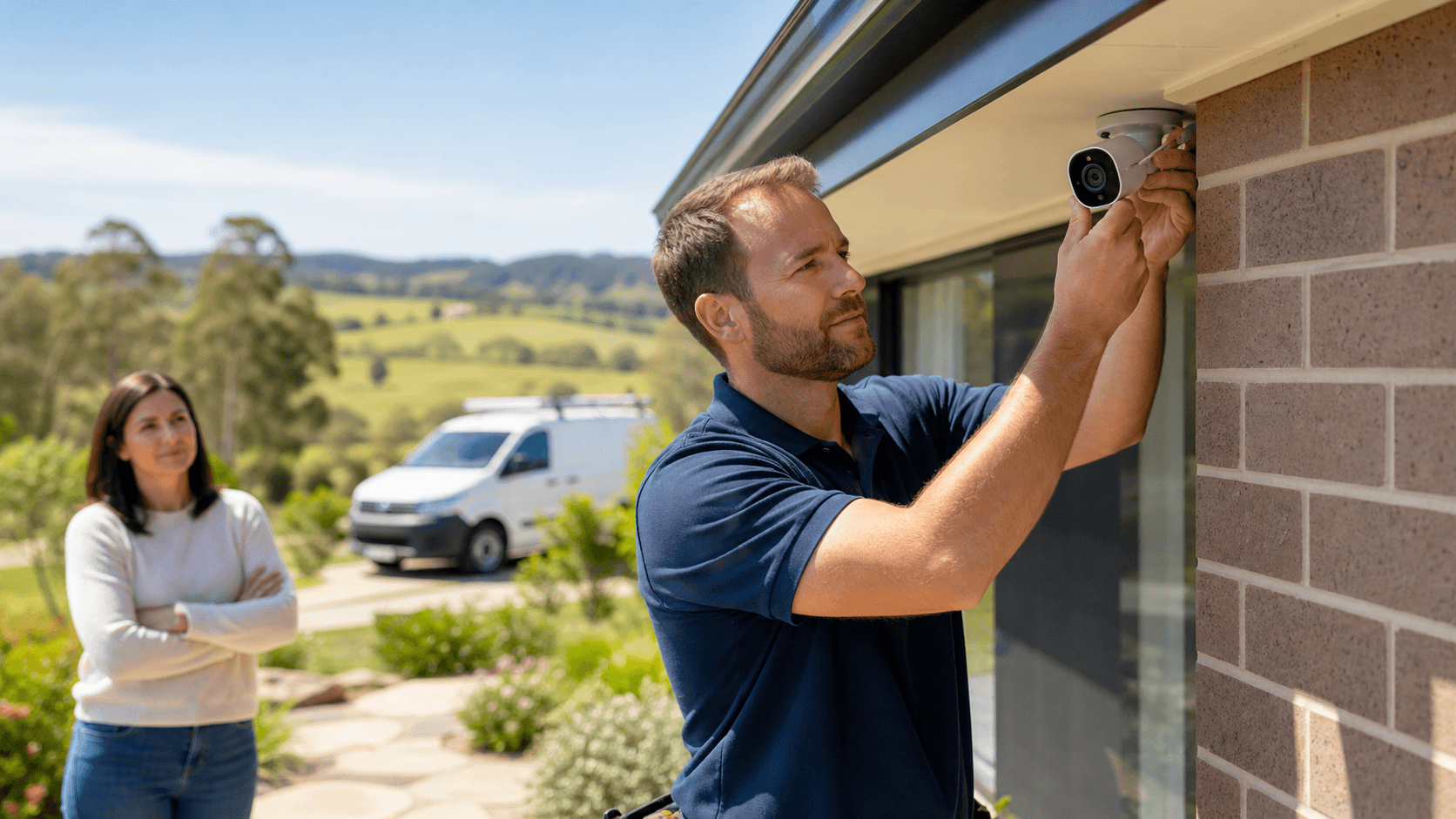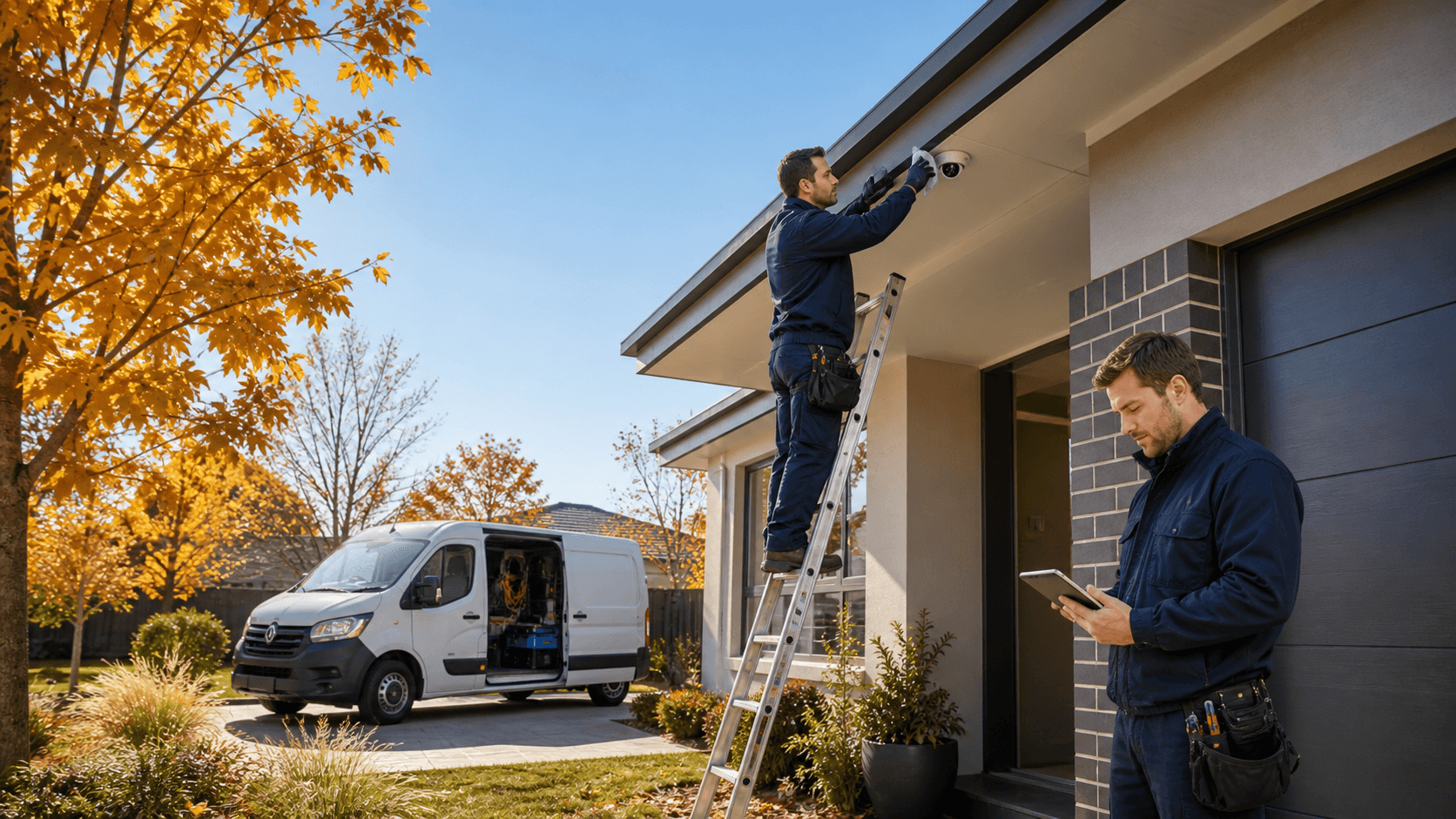
Keep Your Cameras Ready for Every Gippsland Season
Home security cameras in Gippsland work hard. One week it is salty coastal wind, the next it is icy mornings, and then smoke and stormy rain. Outdoor electronics live in that weather all day and all night, so they need a bit of seasonal care if you want them to perform when it matters.
This guide walks through how local weather affects your cameras, what to look for as seasons change, and simple checks that help keep your system reliable. We work with homes and businesses across East Gippsland and the Latrobe Valley, so we see the same issues crop up every year. A few regular checks can mean clearer video, fewer false alerts, and more peace of mind.
How Gippsland Weather Affects Your Home Security Cameras
Gippsland is tough on gear, especially anything mounted outside. Different parts of the region throw up different challenges, but they all hit your cameras in some way.
Common local conditions include things like:
- Heavy rain and storms
- Coastal moisture and salt air
- Frost and alpine cold
- Strong summer heat
- Dust, ash, and bushfire smoke
Each of these can affect your system:
- Lenses can pick up grime, salt and water spots, which show up as blur, haze or glare.
- Housings and seals can crack or perish, letting in moisture.
- Cables and junctions can corrode, especially near the coast.
- Mounts can loosen with wind, heat and vibration.
In places like Lakes Entrance or Bairnsdale, condensation and corrosion are common. Salt in the air can settle on lenses and metal parts, and moisture can creep into fittings that once looked sealed. In the Latrobe Valley, strong winds can shake mounts and throw dust, leaves and debris across the field of view.
Typical weather-related symptoms include:
- Blurry or foggy footage at night, especially when infrared lights hit dirty lenses
- Constant motion alerts from moving branches, flapping signs or cobwebs
- Cameras going offline after a storm or during strong wind and rain
Seasonal inspections are about catching these issues early, before a small problem turns into a dead camera right when you need clear footage.
Spring Security Check Before Bushfire and Storm Season
Spring is a great time to give home security cameras in Gippsland a once-over before the mix of storms, heat and bushfire conditions really kicks in. You do not need to pull anything apart, but a careful visual check and some basic testing go a long way.
A practical spring checklist includes:
- Gently wiping lenses and housings with a soft, clean cloth
- Clearing cobwebs, insects and nests around cameras and brackets
- Checking that cameras are still aimed where you need them, not at a hedge
- Looking over seals around housings and junction boxes for cracks or gaps
- Making sure power and data cables are not loose, kinked or badly exposed
Spring is also the time to confirm your coverage before bushfire and storm season. It helps to:
- Check that driveways, gates and front entries are clearly visible
- Make sure sheds, fuel stores and tanks are in view where possible
- Confirm that motion zones are set to trigger on people and vehicles, not only trees
- Test recordings after dark to see that night vision is bright and even
If you use alarms or rely on internet-based viewing, spring is also a smart time to test those systems together. Many homes and small businesses in more remote parts of Gippsland use Starlink or other satellite internet. It is worth confirming that cameras, alarms and networking are working smoothly as one system, not just as separate pieces.
Summer and Holiday Security for Empty Homes
Summer in Gippsland can mean very bright light, long evenings and a lot of people heading away. That is when many homes sit empty or are used by visitors, so your cameras often do more of the security work.
Before the holiday period, it is helpful to:
- Confirm you can view cameras remotely on your phone or tablet
- Update passwords to something strong and unique
- Test that notifications arrive quickly and consistently
- Check that recording is happening on the correct cameras and at the right times
Bright summer sun can cause glare off concrete, roofs, water and even parked cars. This can wash out faces or number plates if settings are not right. If your system allows, you may need to adjust:
- Exposure or brightness, to avoid a white, washed-out image
- Motion sensitivity, so shadows from trees do not trigger constant alerts
- Recording schedules, to match longer daylight hours and evening activity
Holiday towns and coastal areas have extra movement from guests, tourists and more cars on the street. For holiday homes, caravans and small accommodation providers, camera placement is especially important. You want good views of entry doors, car parking spots and shared paths, without filming into windows more than needed.
A careful review of where cameras are mounted and what they see can improve both privacy and security. Small changes in angle or height can make a big difference to how useful your footage is if something happens.
Autumn and Winter Checks to Keep Systems Reliable
By the time autumn and winter roll around, your cameras have been through heat, storms and busy summer traffic. Colder, wetter months bring their own issues, so another round of checks keeps your system stable.
Helpful tasks for this part of the year include:
- Inspecting metal mounts and brackets for rust or looseness
- Looking for any signs of water ingress, like staining or fog inside housings
- Testing any UPS or backup power you rely on for cameras or recorders
- Checking that outdoor cables are still secure after wind and summer growth
Winter often means more growth hanging low, dripping moisture onto lenses and blocking views. It is a good time to:
- Trim back shrubs, vines and branches around cameras
- Clean lenses more often, as rain and grime can build up quickly
- Review how many days of footage you keep, since longer nights can mean more recorded hours
Cold and wet conditions can also affect performance. Common winter issues for home security cameras in Gippsland include:
- Extra noise or grain in low-light images
- Foggy or misty pictures on very cold or damp mornings
- Wi-Fi dropouts when heavy rain or strong wind affects signals
Scheduling seasonal checks or having a professional service your system reduces the chances of a camera failing in the middle of the stormy night. A small fix in autumn can save a big headache when winter weather is at its worst.
Seasonal Security Checks That Suit Gippsland Conditions
Taking a seasonal approach to caring for home security cameras in Gippsland is about working with the weather, not fighting it. A few focused checks in spring, summer and autumn or winter help keep footage clear, cut down on false alarms and keep your system working when you are at home or away.
When problems do not go away after a basic clean or restart, it is usually time to involve a licensed professional. Ongoing blurry images, cameras that keep dropping offline, suspected water damage or plans to link CCTV with alarms and networking are all good reasons to get expert help.
At EastTech Solutions, we are a local licensed security and IT provider, and we understand how East Gippsland and the Latrobe Valley treat outdoor gear across the seasons. We work with CCTV, alarms, networking, Starlink installation and IT support for homes and businesses, and we know how to keep systems running through salty air, cold mornings and hot, smoky days.
Protect Your Gippsland Home With Smart, Local Security Support
If you are ready to upgrade your security, we can design and install reliable home security cameras in Gippsland that suit your property and budget. Our team at EastTech Solutions takes the time to understand how you live so your system is practical, easy to use and ready when you need it most. Reach out to contact us today and we will walk you through your options and provide a clear, no-obligation quote.